Introducing Shiuli: Images made accessible
Most images online never get an alt-text description. Shiuli aims to change that by making it easy to generate alt-text for images.

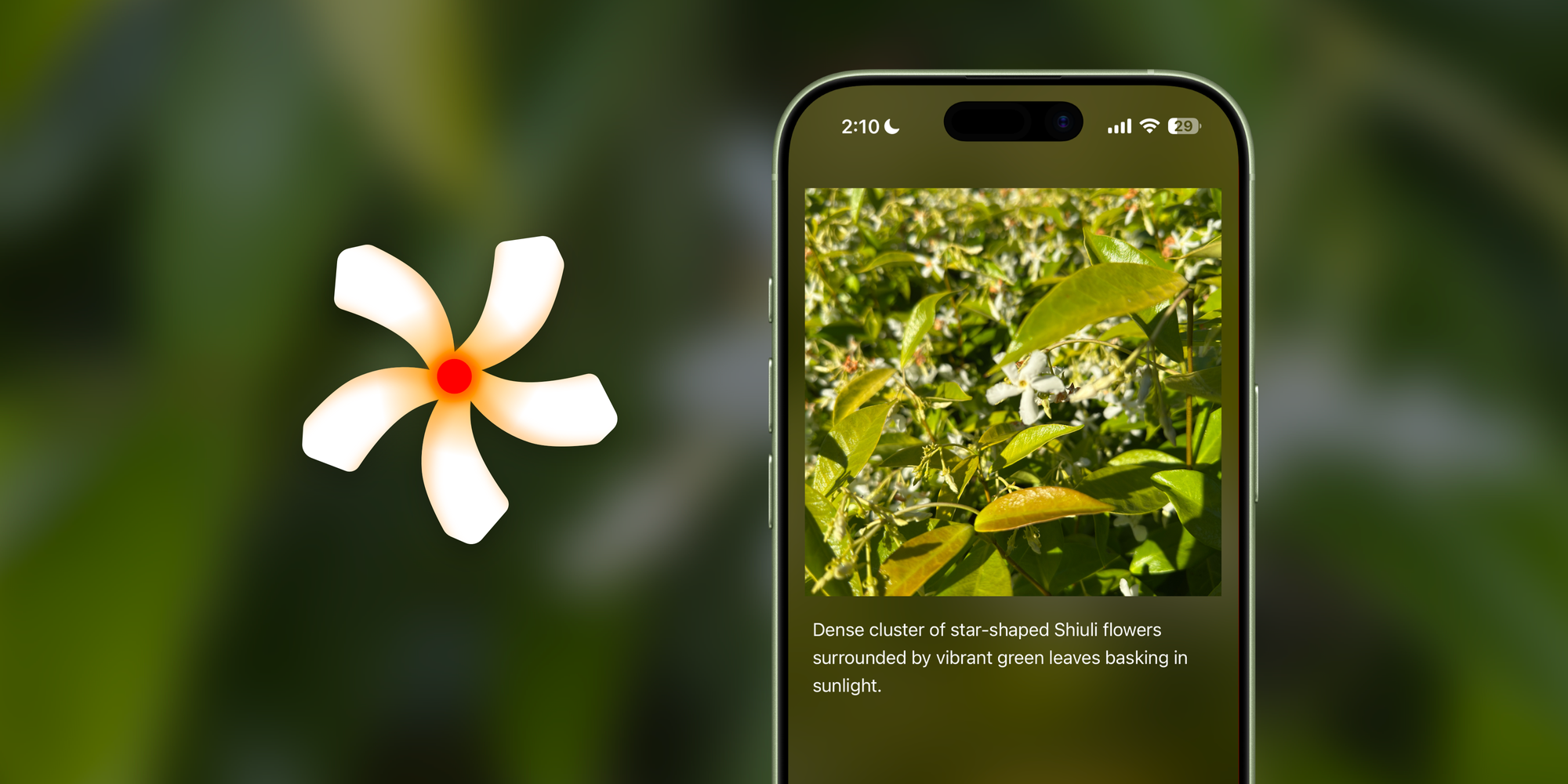
Most images online never get an alt-text description. Not because people don’t care about Accessibility, but because it takes time to look at a photo, think about a good description and write it down.
Shiuli (pronounced: She--ooh-lee) makes that process easy by helping people get started with the alt-text descriptions.
Simply pick an image, have Shiuli generate an alt-text description, edit it, and use it as alt-text in your images.
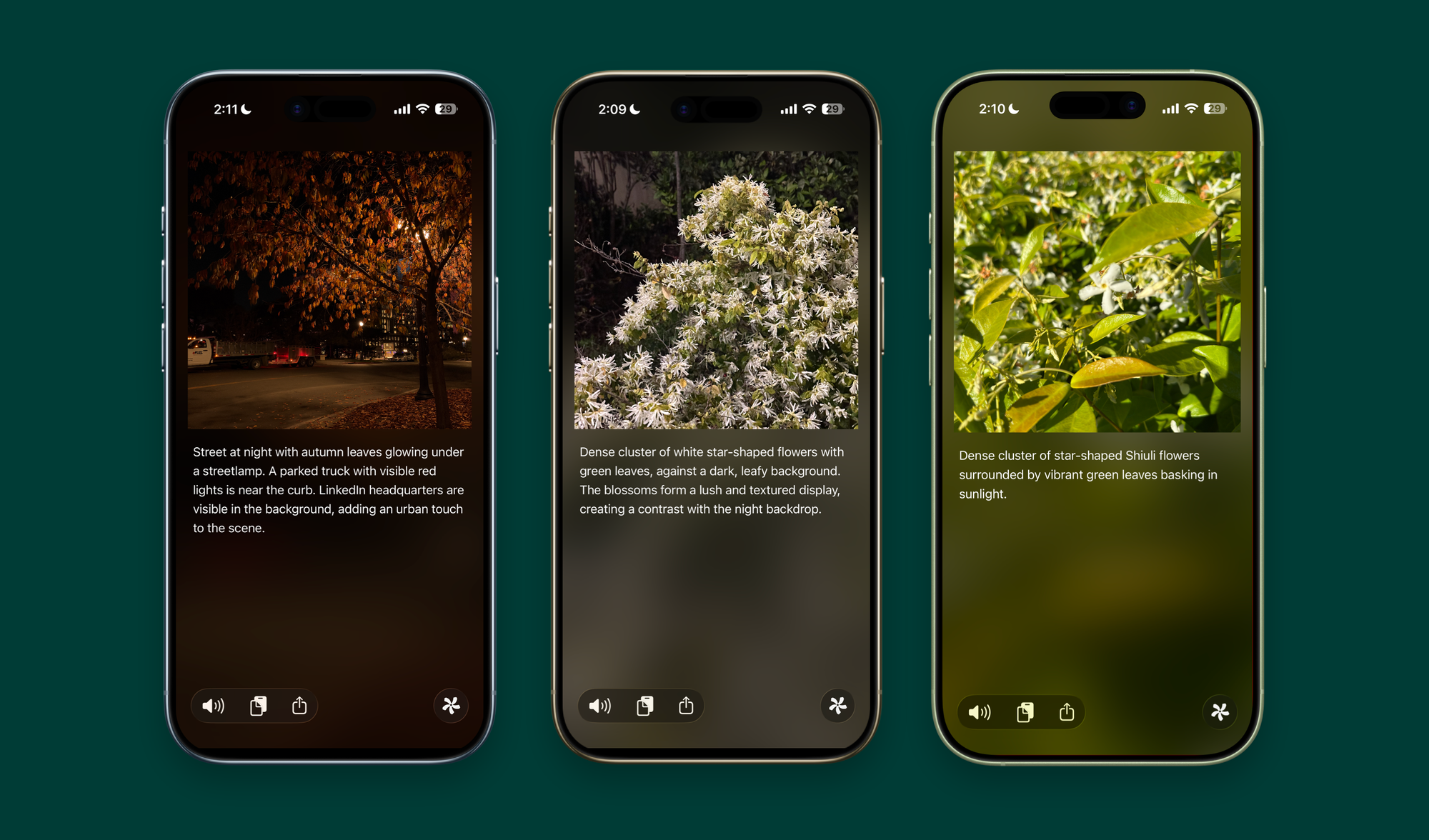
Alt-texts are great for Accessibility they help people using screen readers get a better description of the image. Making them even more accessible.
The best part about Shiuli? You never even need to open the app! You can use Shortcuts, Visual Intelligence or the Action Extension to get Image Descriptions from anywhere, making it a modular, versatile app that can run anywhere.
Below I go through the lexicographic, and design designs behind Shiuli:
About the name: "Shiuli"
Why give an alt-text generation tool that's so utilitarian, a name and icon like "Shiuli". And what does the word mean?
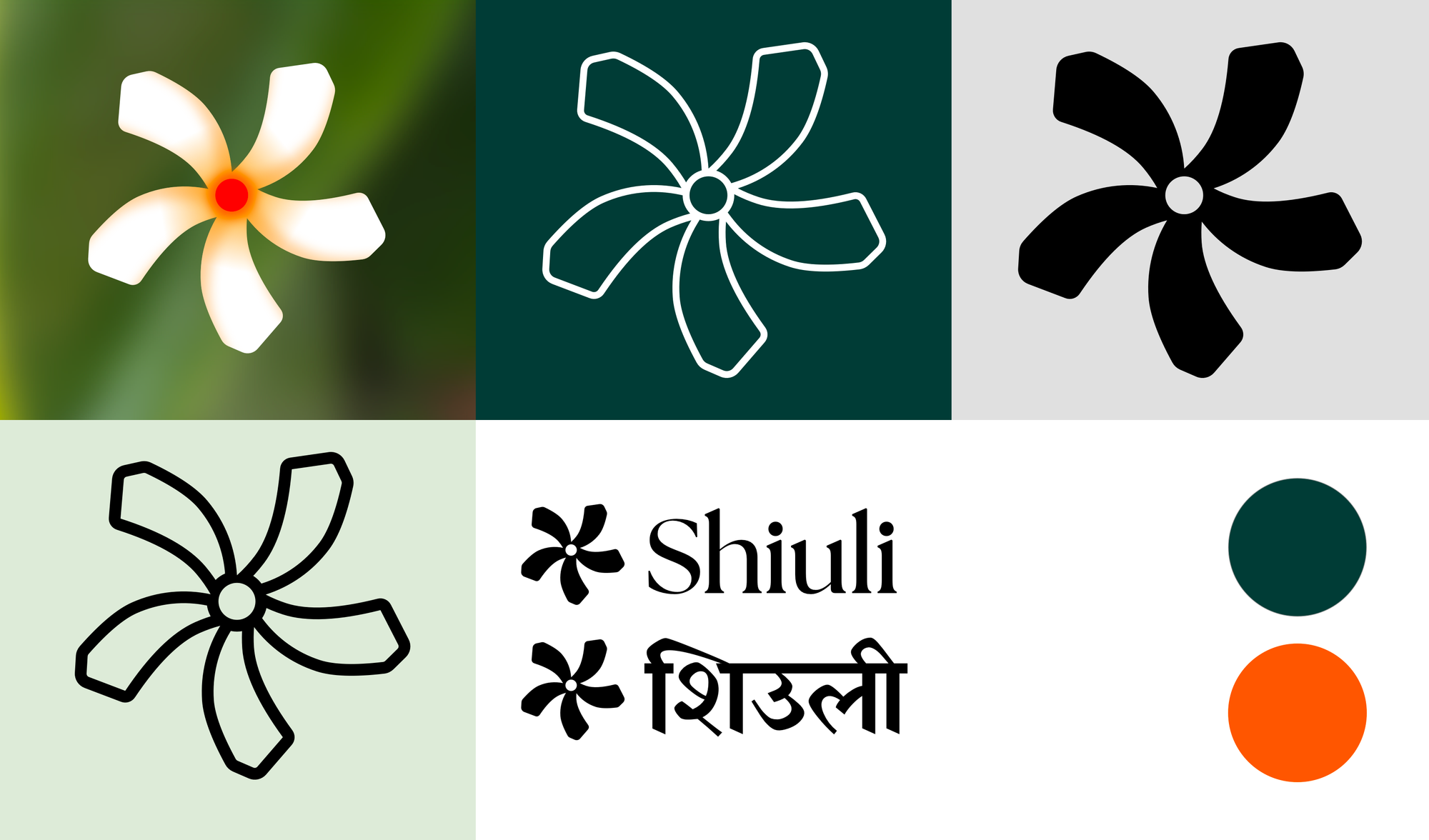
Shiuli (pronounced She-ooh-lee) is the hindi language name for a night flowering Jasmine (also known as Coral Jasmine) that's found blooming in Delhi and other parts of India during summers.

For an image description tool I wanted the name and icon to be evocative of the photos app, so that the connection between the two is clearly apparent. Which is why I chose the icon to be a flower.
Why the Shiuli flowers specifically? One fine day on a walk across the UC Berkeley campus this summer, I discovered the Shiuli flowers. Apparently for Berkeley, they bloom in summers.
Shiuli are the connection between two cities that I have been fortunate enough to call home. If I am to name an app after a flower, it'd have to be Shiuli.
Shiuli are the connection between two cities that I have been fortunate enough to call home. They grow both in Delhi in Berkeley. If I am to name an app after a flower, it'd have to be Shiuli.
The Icon Design
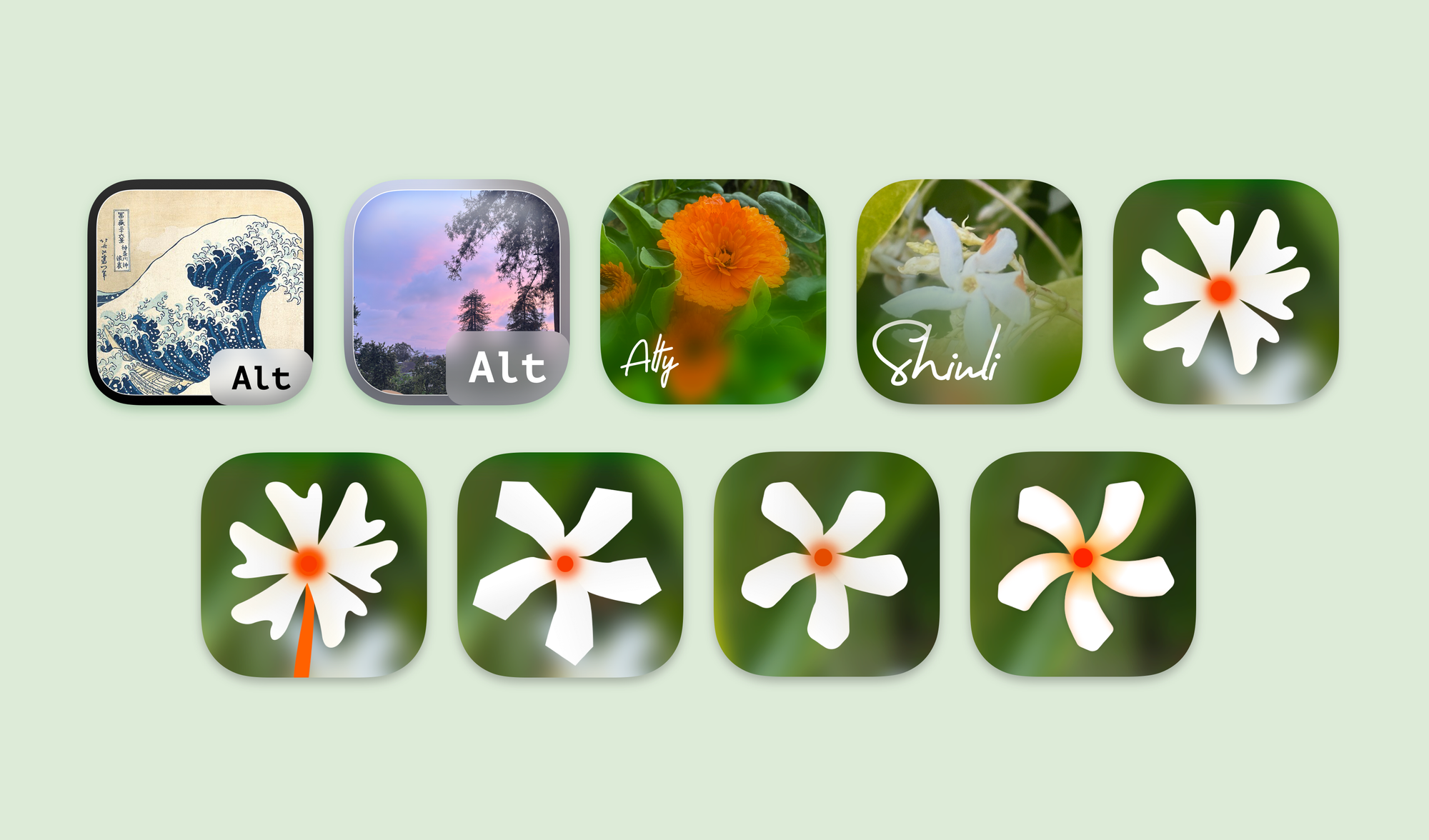
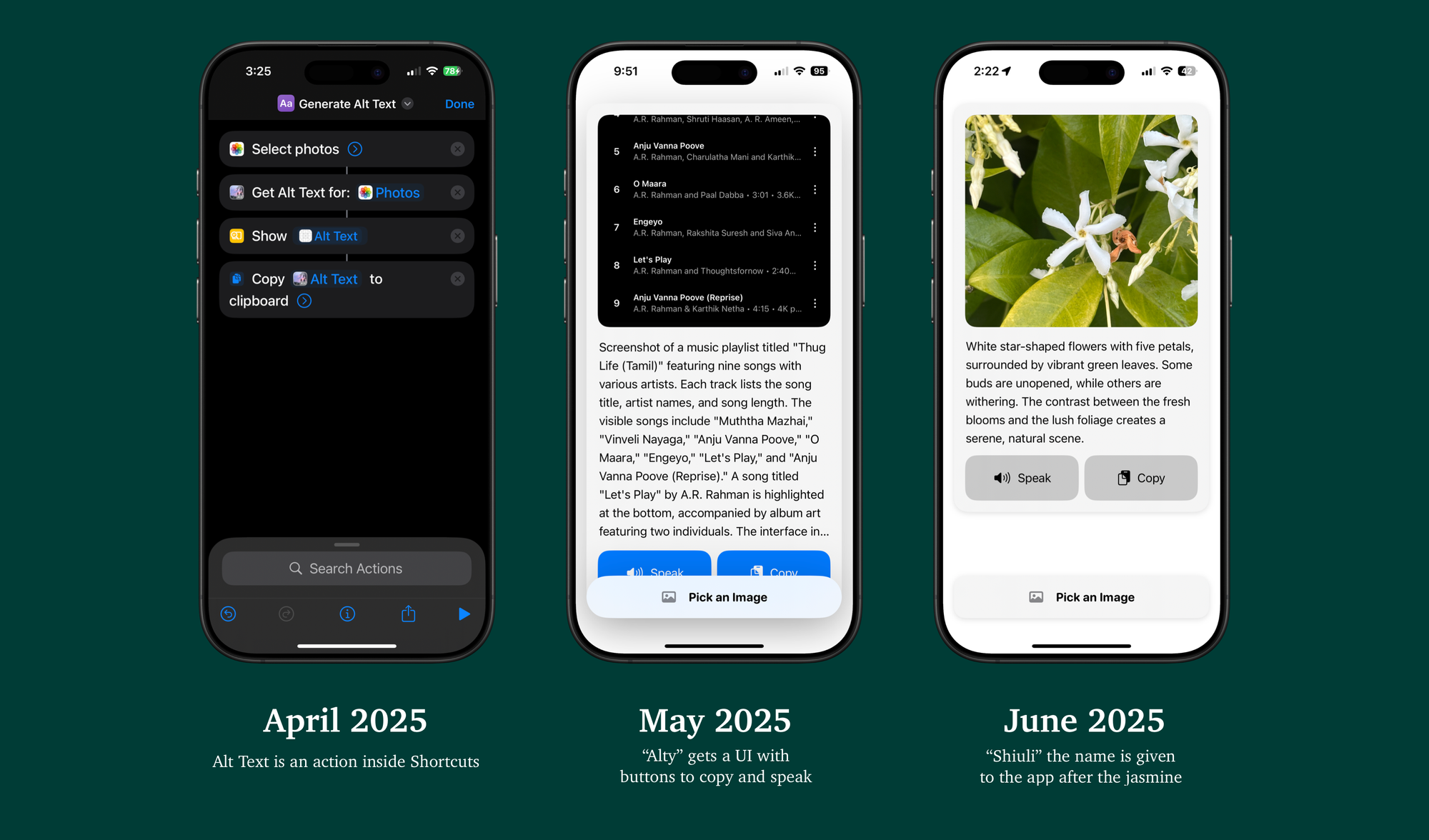
The icon design was a long iterative process. For the first couple of months, I simply called the app "Alt-Text". The icon then would be a generic image. At first I used the Hokusai's wave. but then quickly changed to something I clicked.
Briefly, I considered using Alty as the app's name, and Marigold (another plant that I love) as the app's symbol.
Once the name was set on Shiuli. The process then was to create an app icon that best represented the flower. At first I tried with the text on screen, since it's an app for alt-text, but eventually I found that flower itself was a much cleaner representation.
I tried different styles free form, cut, and accurate tracings, but eventually settled on something symmetrical and geometric.

An app icon or logo isn't merely a logo, it's brand identity. It must scale across different sizes, it must scale from simple line drawings, to glyphs, to skeuomorphic representations that look like an actual flower. I did the same for Shiuli.
Design is Iteration
The development of the app started in April 2025. So why did it take me this long to release it? The reason is iteration.
While I had my first TestFlights running early in the development. I received a lot of feedback that shaped how the app looks, feels and works.
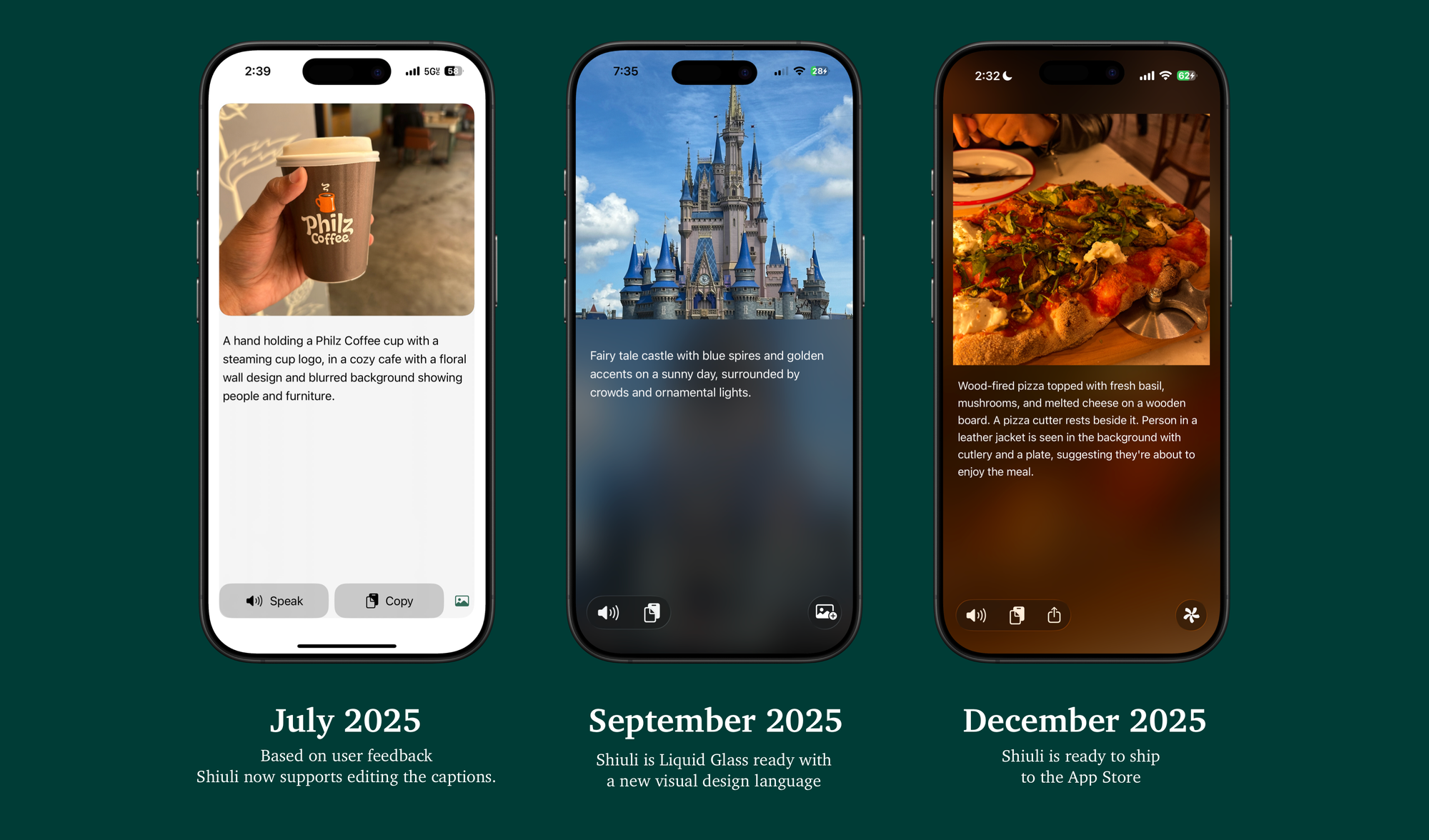
Shiuli Started as a Shortcuts extension, and barely had any UI in the app in its first build. Eventually through user feedback the app got better at the UI, providing options to edit the alt-text, and adding more actions along the way.
Post Liquid Glass, the UI changed drastically to embrace the specular highlights and glass effects in their entirety.
Action Centered Design
If you've been following my work over the last year, you must have realised that I have been championing for an action centered approach to app design.

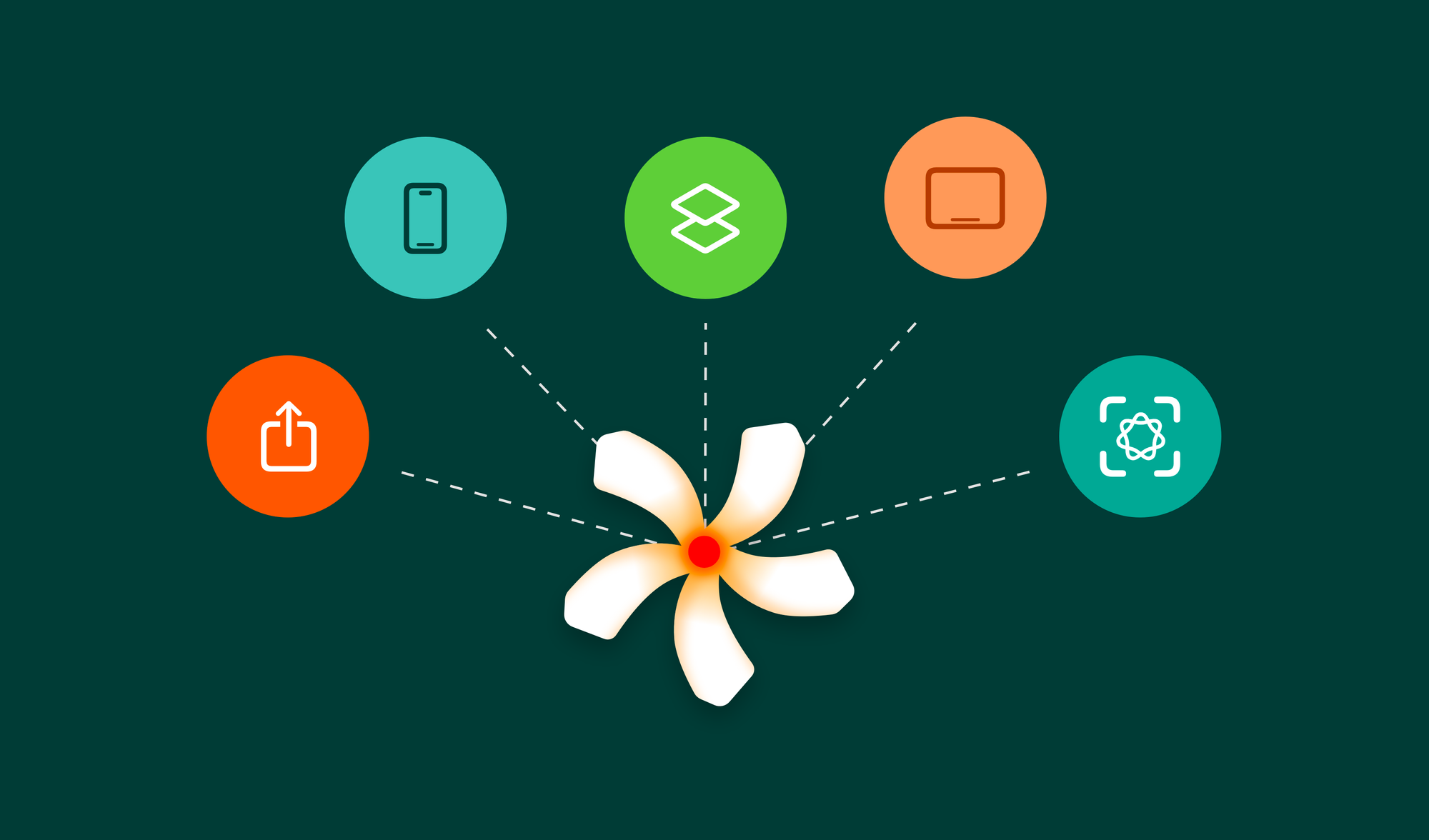
The same's true for Shiuli. Shiuli from day one has been modular. It's an action-centered app through and through. Taking its primary action and turning it into an AppIntent, Shiuli builds UI on top of the App Intents and App Entities, rather than taking a phone app first approach.
The result is a product that works with cutting edge technologies like Visual Intelligence out of the box.
Information and Output: App Entities
All the information inside the app is governed by an App Entity, the App Entity. Each App Entity contains the image, and its alt-text description. All the information needed for Shiuli to present the UI.
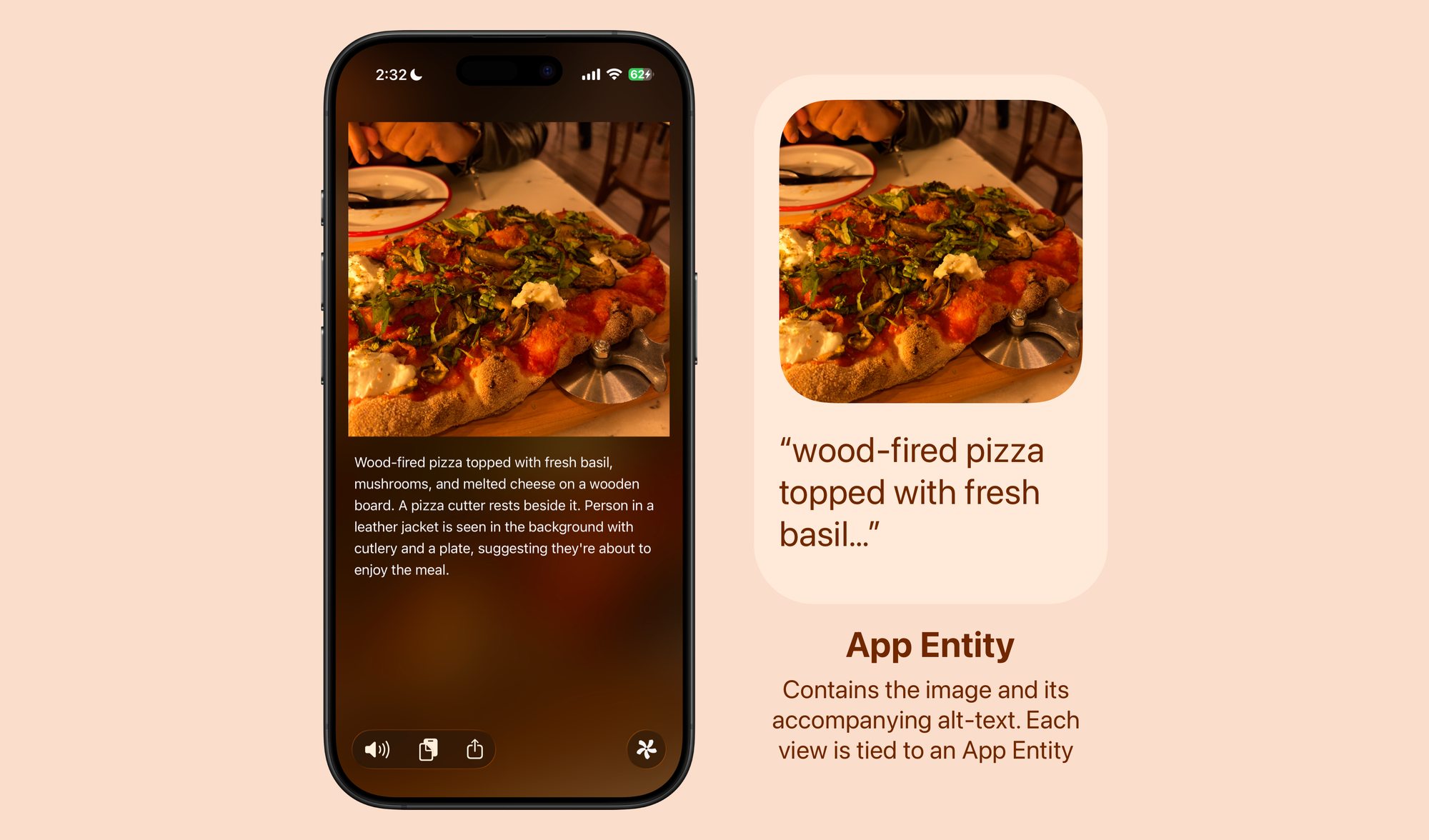
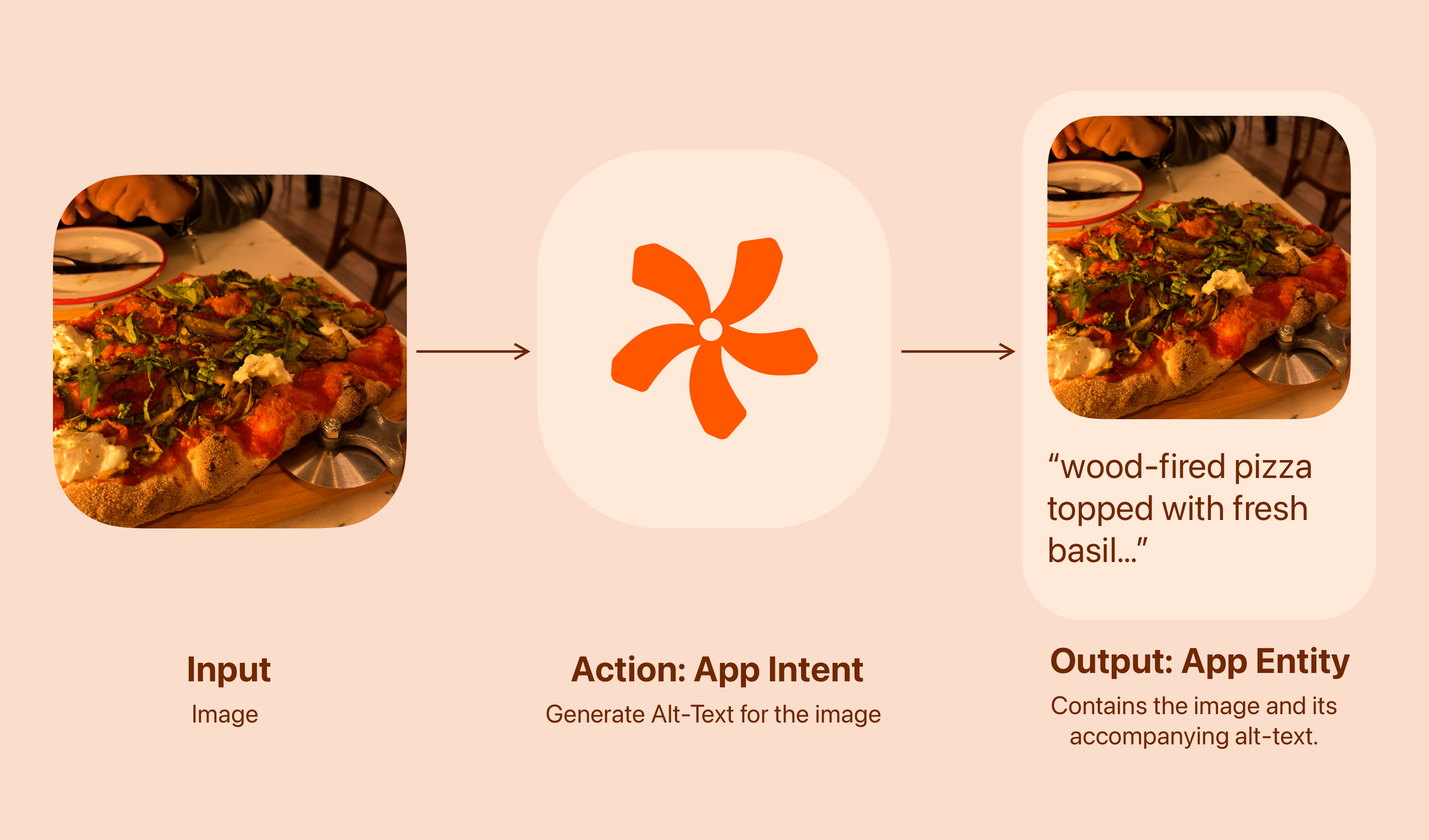
Action: Generate Alt-Text for the image
The key action here is to generate alt-text, the action – an App Intent, takes an image as an input and provides the App Entity as the output.
The App Entity is then presented as UI across multiple modalities and Interfaces.
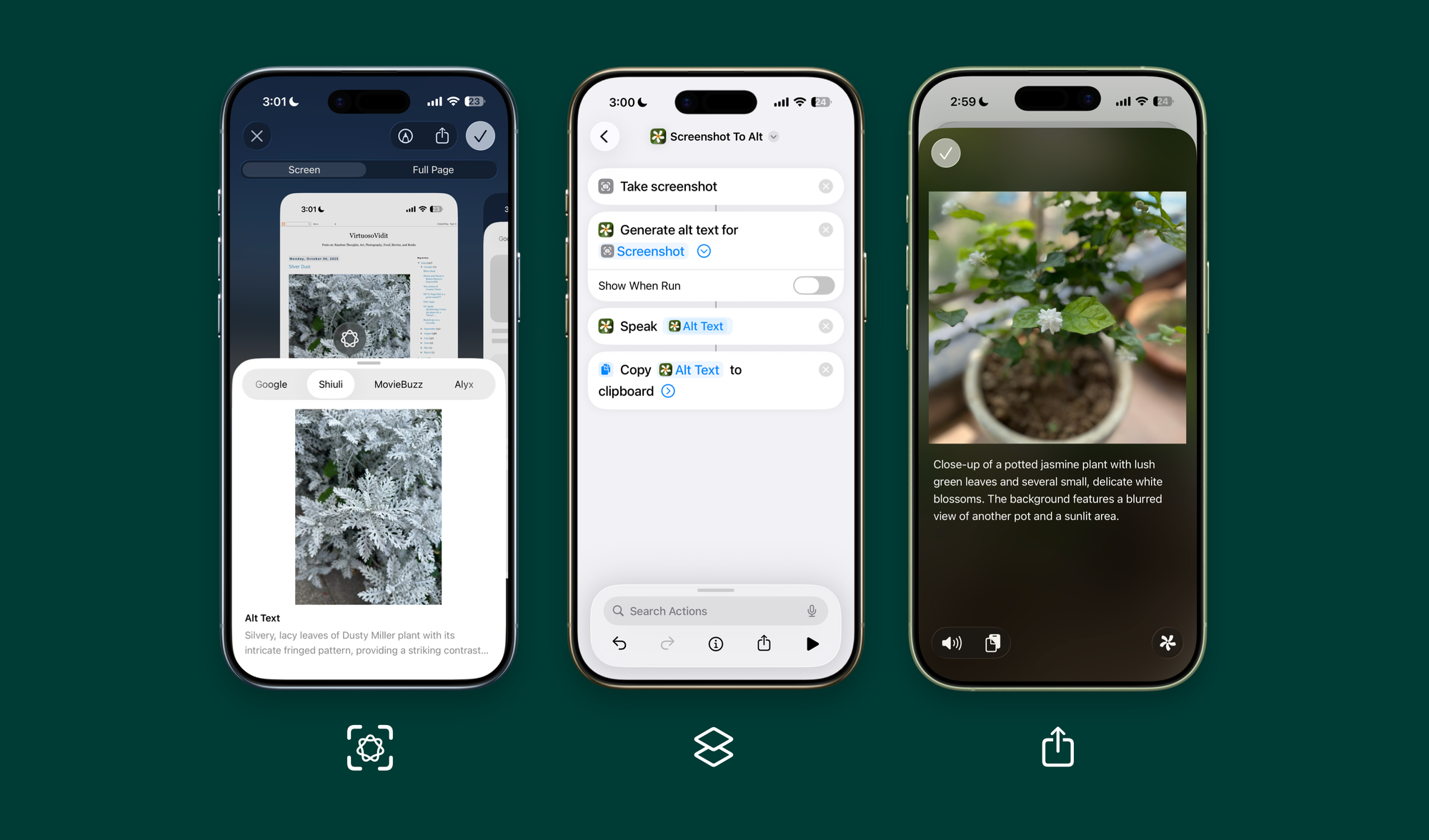
On Visual Intelligence The AppEntity, shows up in the UI with an Alt Text, on Shortcuts it turns into a data point for the next action, in the action extension it shows a version of the phone app's UI.
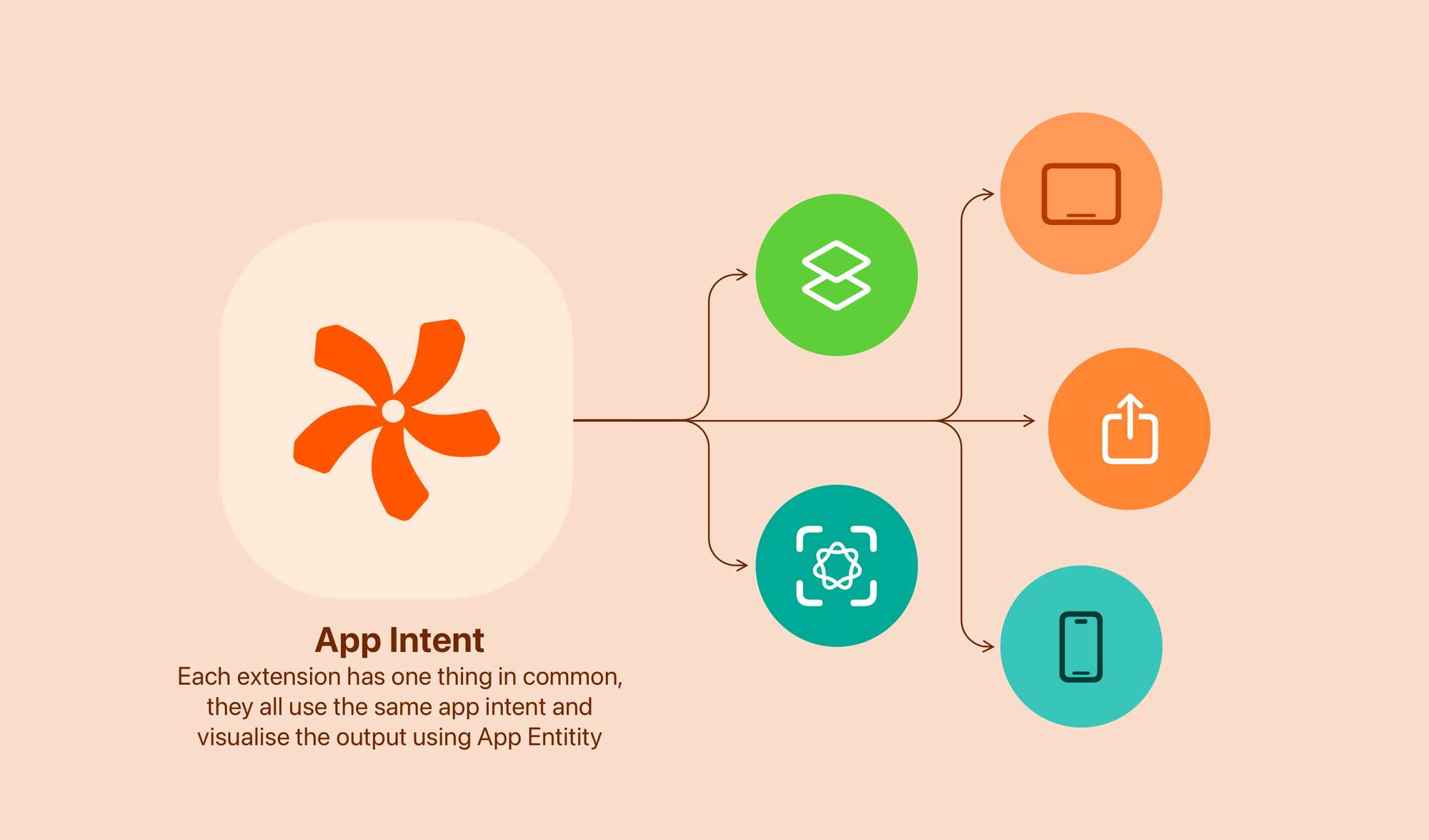
Only the UI changes across systems, the logic, and the data that powers the interface remains the same.
You can read more about Action Centered Design over here:
 Vidit Bhargava
Supporting Cutting Edge Technologies
Shiuli on Visual Intelligence makes it easy to generate Alt-Text from anywhere. You just need to screenshot the screen, draw the area for whom you want the Alt-Text, and get it right there in Apple's Visual look up interface.
Because the app is so modular, it leads to interesting workflows such as this one where I press the Action Button and have it generate and copy the alt-text for whatever's on screen. Making the process of generating alt-text smooth, rather than cumbersome.
So that's Shiuli. It makes it easy to make images more accessible, and it's out now on the App Store.
 Squircle Apps LLP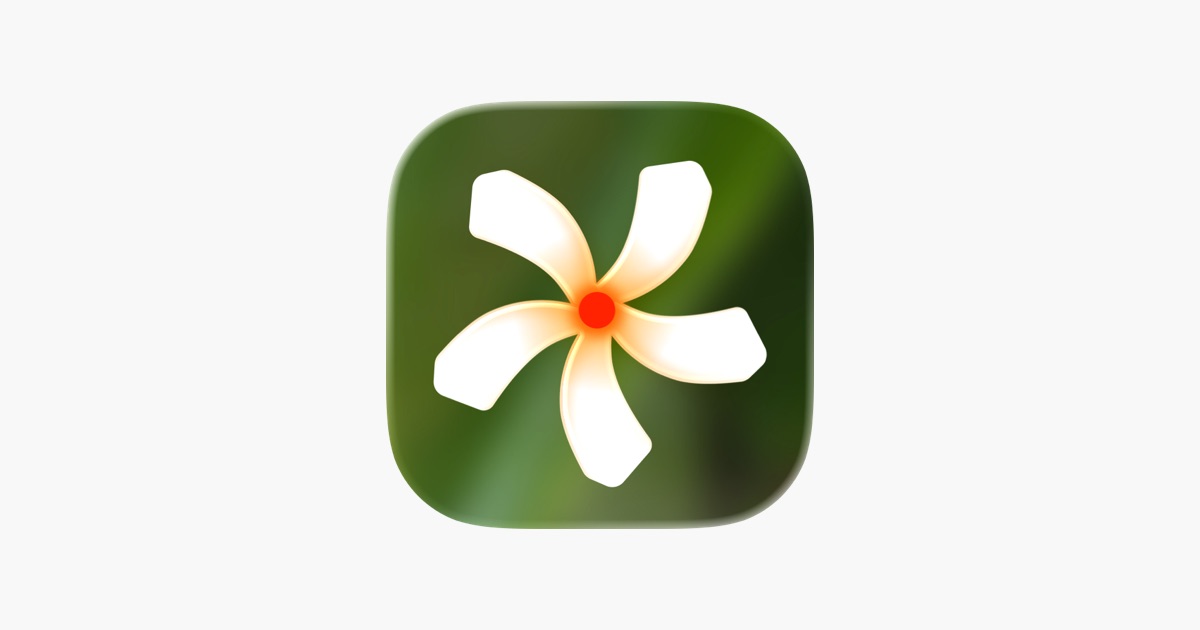
Plus, It's not a subscription based utility, you just buy the app once and use it for lifetime.