How LookUp 13 transforms the learning experience with Foundation Models
Apple's Private Cloud Compute and Image models have enabled LookUp to fundamentally improve the experience of discovering and learning words.

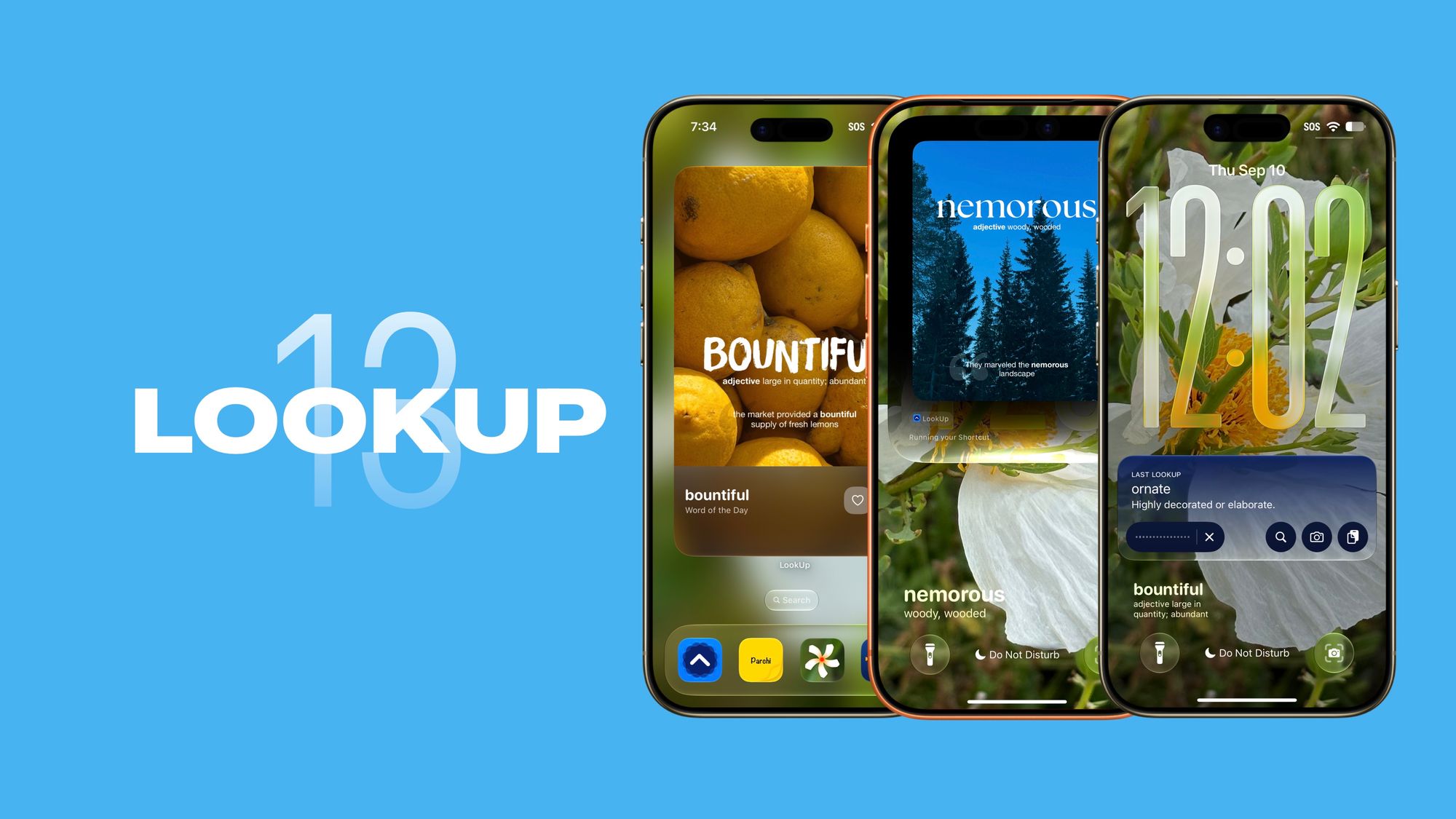
New Ways to Discover Words
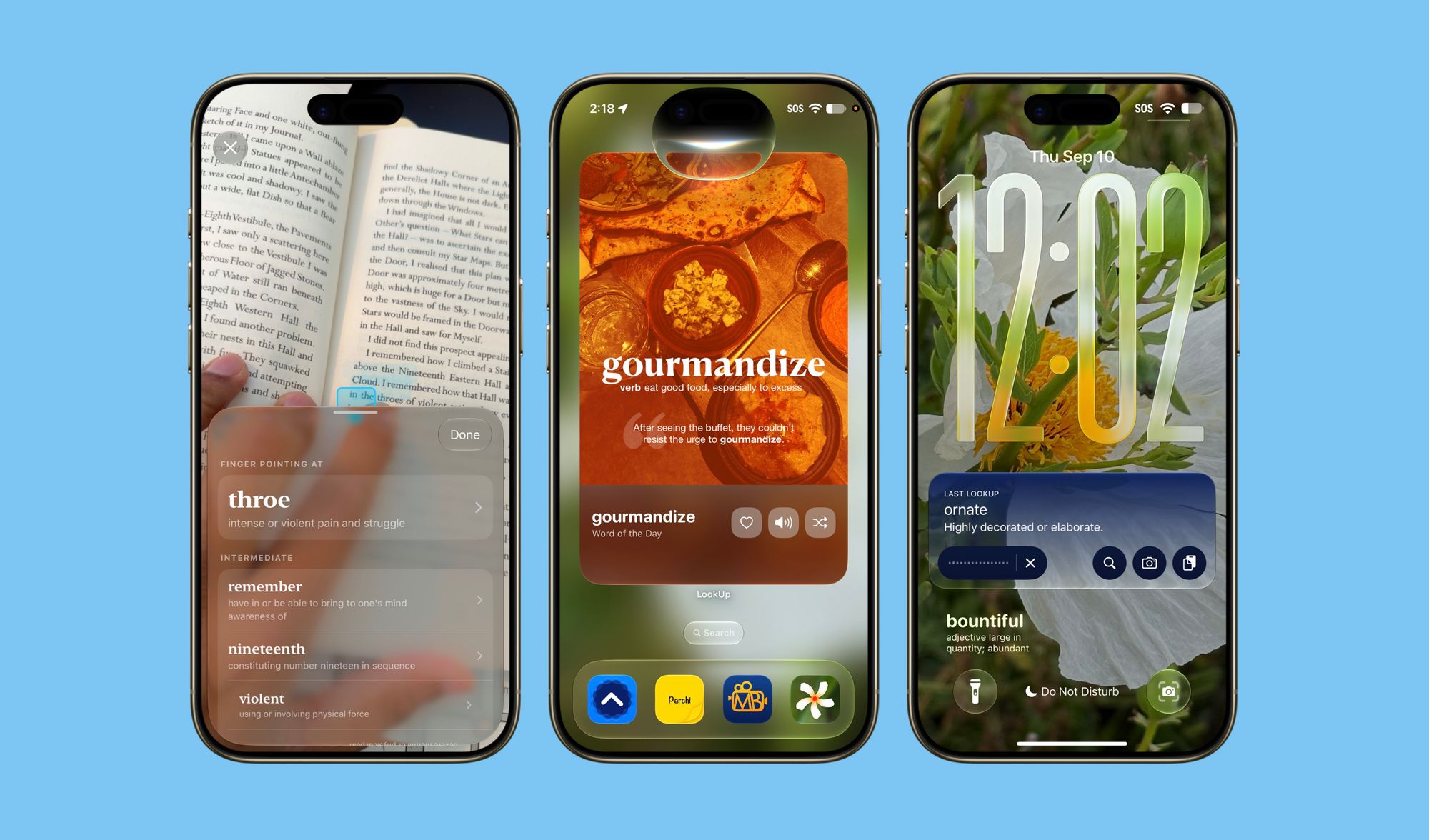
New Scan Words
A completely redesigned Scan Words interface powered by Apple’s Private Cloud Compute and vision framework, allows people to point their finger at a word to define it. The app also identifies the nearby words and arranges them in order to their difficulty.
This is especially useful when reading dense text and you don't want to lose your place as you switch modes from reading on paper to looking up on your phone. For your convenience, Scan Words, also has a Lock-Screen Camera Extension that can be added for your reading focus modes.
New Reading Mode
The new reading mode allows people to create focused reading sessions, these focused reading sessions enable them to look up words without picking up their phone.
They can just speak out the word aloud ( or even if it’s spelling ) and LookUp listens to it in the background and displays the definitions in the live activity.
This is a magical interaction! It goes from any kind of natural language input, to the right definition for a word without the user ever stopping the reading process.
Search with Siri
With Siri AI, Users are able to ask Siri to search for a word in lookup and Siri shows the rich results, that allow people to learn the word beyond just definitions.
Reading Mode, Scan Words and Siri's in app search together form the triad of features that enable English learners to get definitions without losing focus on what they're reading. LookUp stays in the background and is immensely helpful and quick when in foreground.
New ways to learn new words
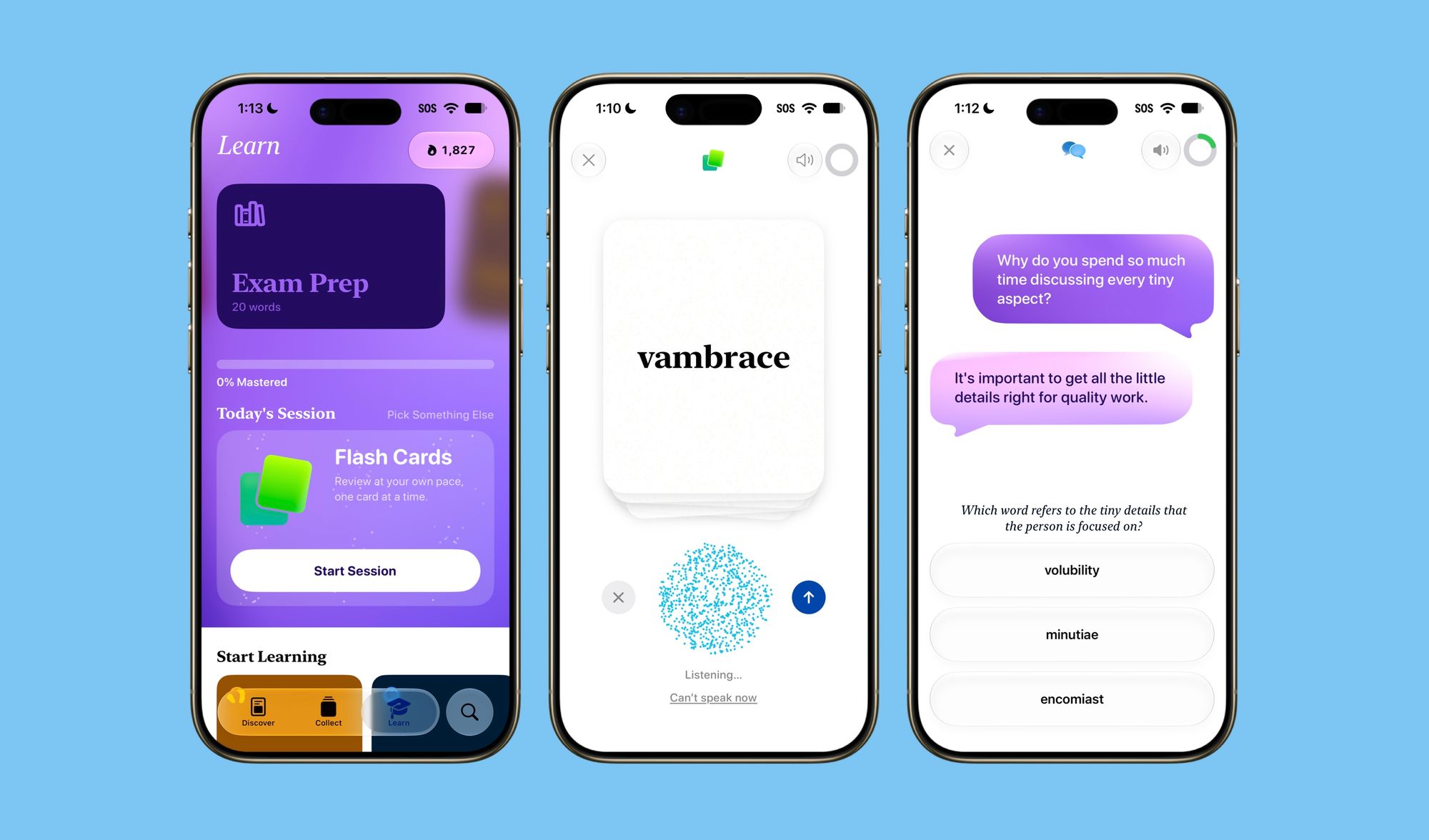
Interactive Flash Cards
Interactive Flash Cards amp up the difficulty of learning a word with flash cards. Instead of thinking whether or not you can recall the meaning, you speak the meaning out loud and have LookUp judge how close the response is.
LookUp takes your input, and has it go through Apple’s private cloud compute to match how close you were to the definition and give you a score that ultimately decide if your answer was right or wrong.
New Conversational Quizzes
It’s one thing to recall the definition of a word, it’s another to learn in what settings and contextually where the word is appropriate. Conversational Quizzes bridge that gap.
They start with a conversation between two people and quiz the person on what word would best describe it. The questions themselves aren’t particularly challenging exercises, but they enlighten the learner as to where the word is appropriate to use.
For this year’s redesign I really worked on the voice and UI interactions and how intertwined they are. Each conversation picks up a new voice that’s expressive enough to convey the tone and tenor of the sentence. The interplay of the voice and conversation UI creates a dynamic interface that makes it easier for people to grasp this.
——
Apart from these improvements there are massive updates to the Learn tab’s UI. They create a system of learning that goes beyond just daily learning schedules. It also picks which quiz type the learner should take. This new interface is simple, intuitive and easy to use.
Apple Watch gets pronunciation tips, connotations and contextual explainers.
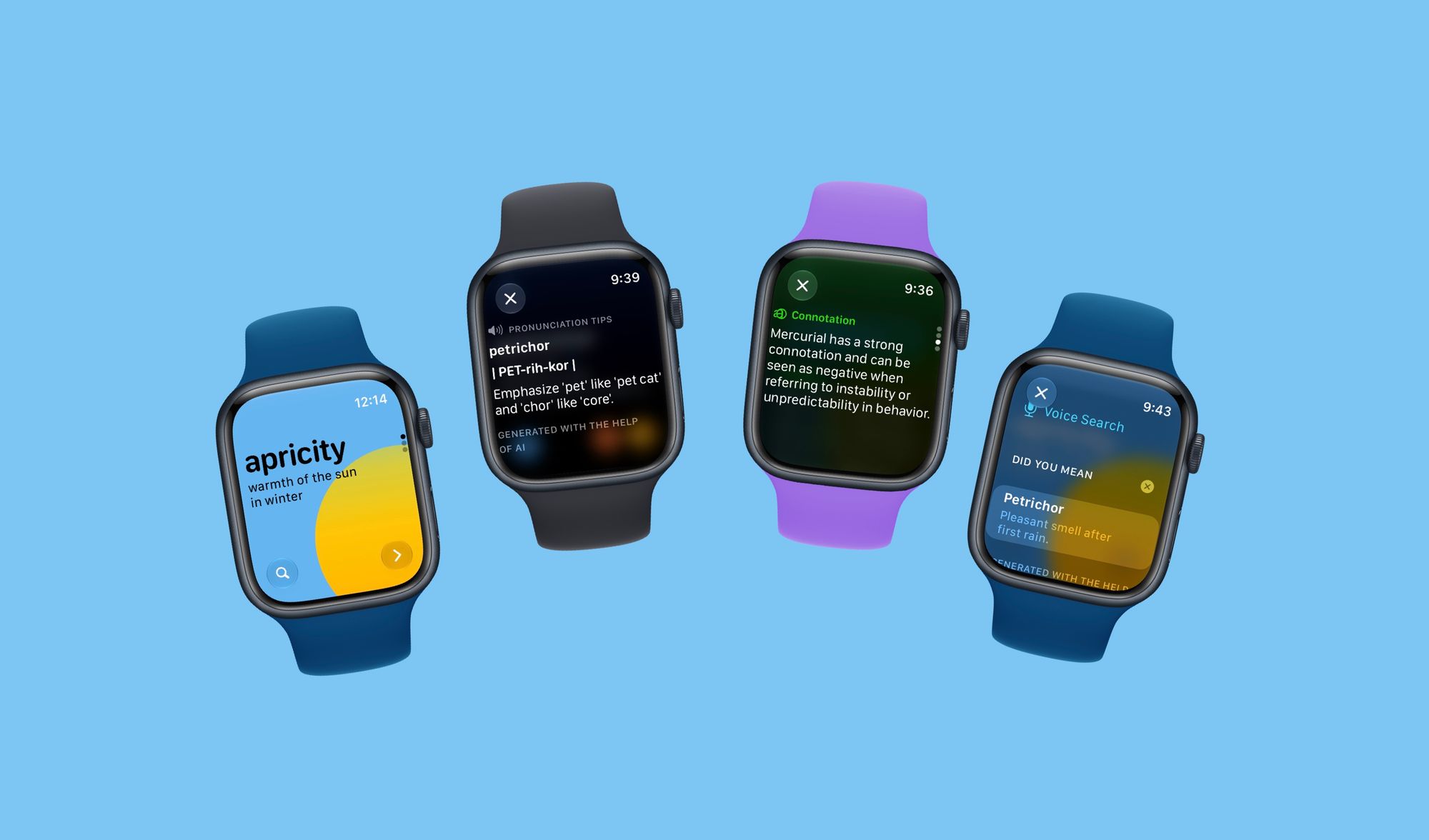
watchOS 27 brings Apple’s Private Cloud Compute to the Apple Watch, allowing LookUp to bring it’s contextual pronunciation tips, and connotations to the watchOS app.
The new watchOS experience is all the more complete and useful for learners who want to quickly look up words.
Ready for iOS 27
LookUp is ready for iOS 27. With Extra Large Widgets and Support for Siri that goes beyond just in-app search. You can also have it add notes for you to a particular word, or have it give you today’s word of the day or even a surprise word.
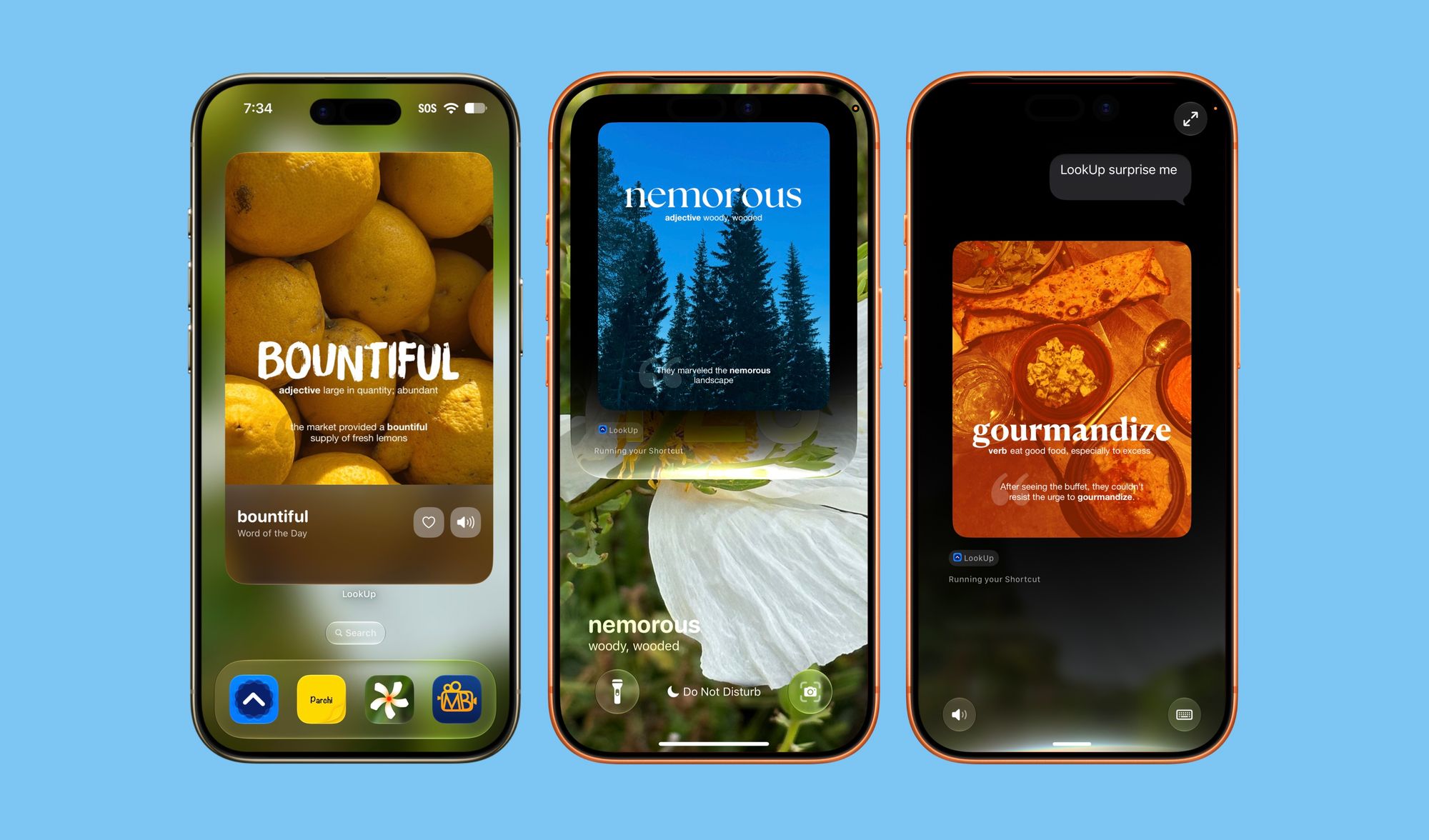
The theme with LookUp 13’s update this year was to make the experience of discovering and learning new words even more robust and bringing the app where our users are, rather than having them jump through hoops to access it.
I am really excited about this update. Particularly the new learning modes which have made me use the learn feature so much more in the last few weeks.
LookUp 13 is now available on iOS, watchOS and macOS, you can download it here: https://apps.apple.com/us/app/lookup-english-dictionary-app/id872564448