Making it accessible to make Accessible images with Shiuli 2
Shiuli 2 makes writing and adding alt-text to images; easier, and more accessible to everyone.

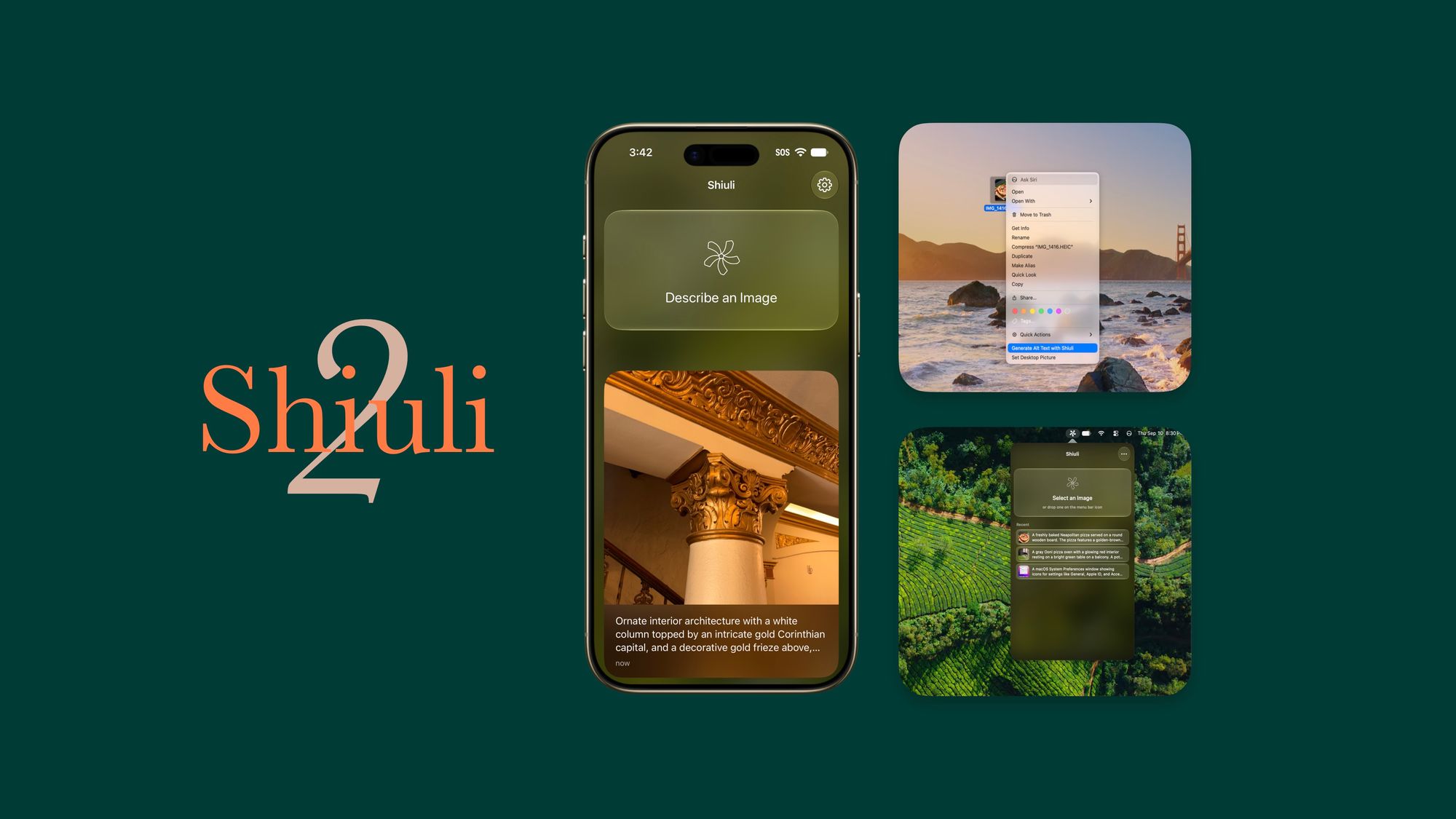
Shiuli has one mission. Making it accessible to make accessible images on the internet.
Every time you share an un-captioned image that doesn't have alt-text, the experience of using the web becomes a little less fun for people using screen readers; and I get it, writing alt-text for everything is difficult, it adds a cognitive load to the process and most people give up. Shiuli fixes that. It makes it easy to get alt-text by providing a UI that's dead simple. Pick an image, and it writes the description for you, edit it, copy it and share it anywhere.
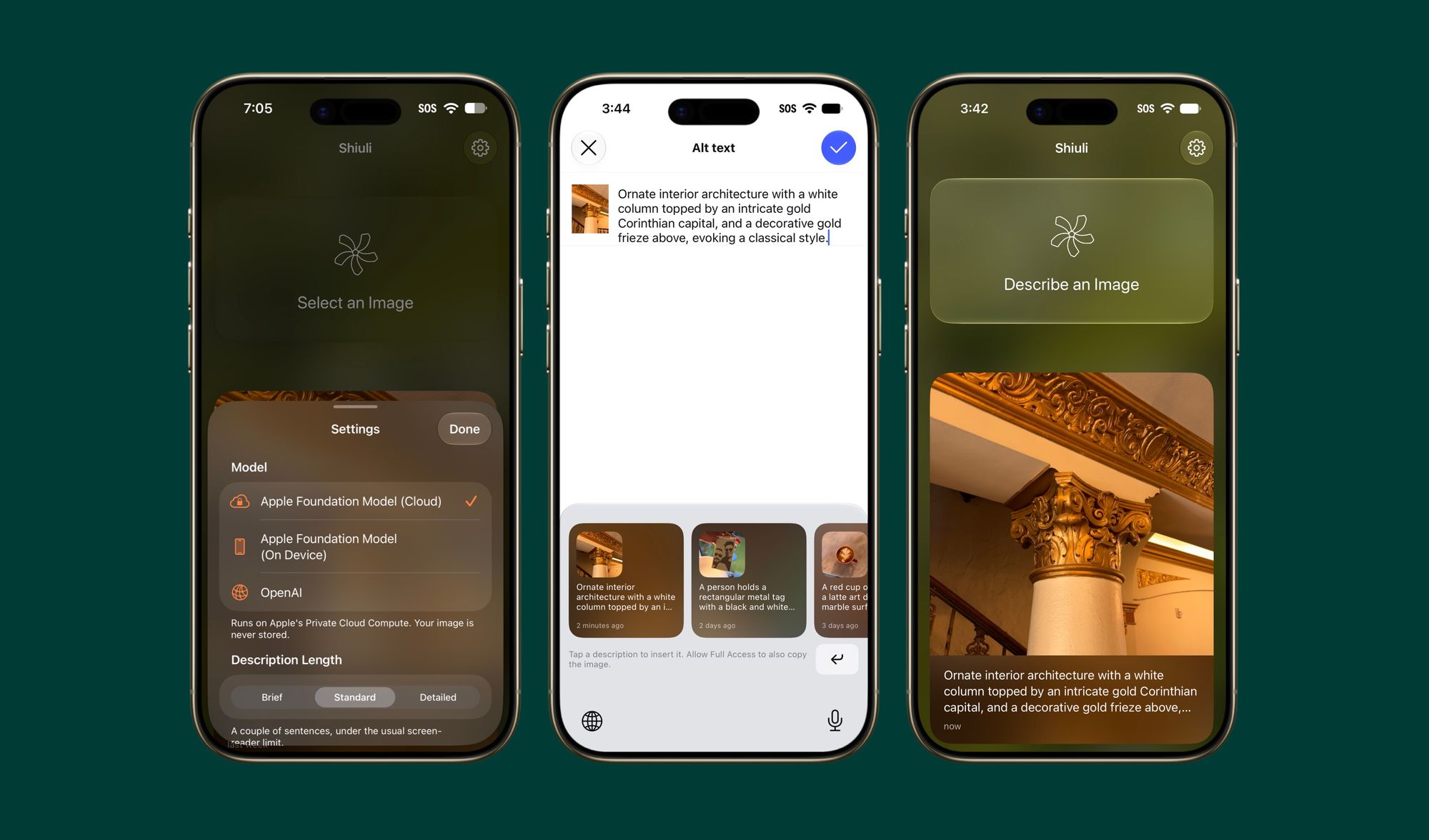
With Shiuli 2, and Apple's new Foundation Models in iOS 27; it's going one step further. First, it's switching to local models to generate alt-text, as it always should have been. Images are private they stay that way. Second, it's coming to even more places.
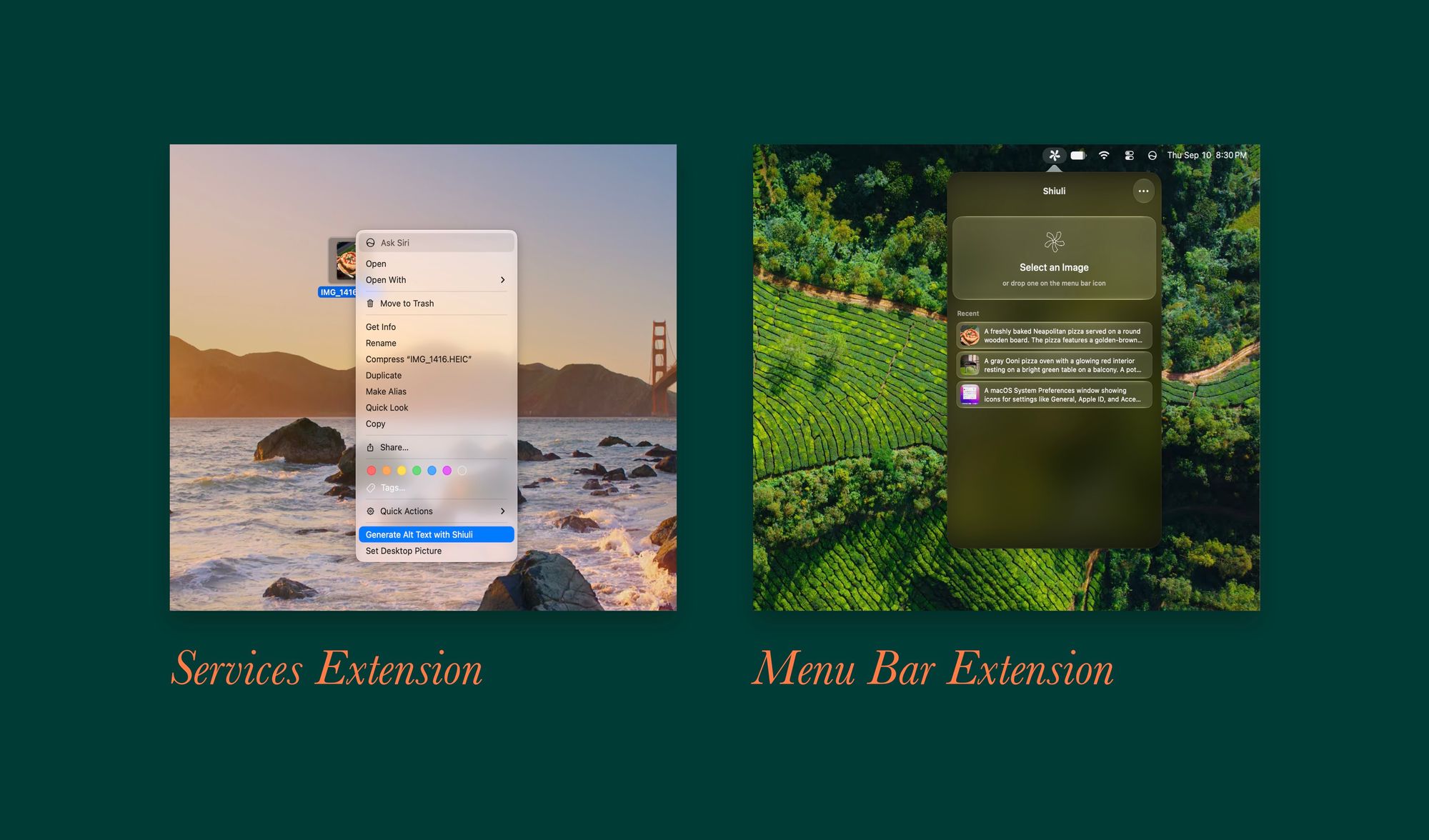
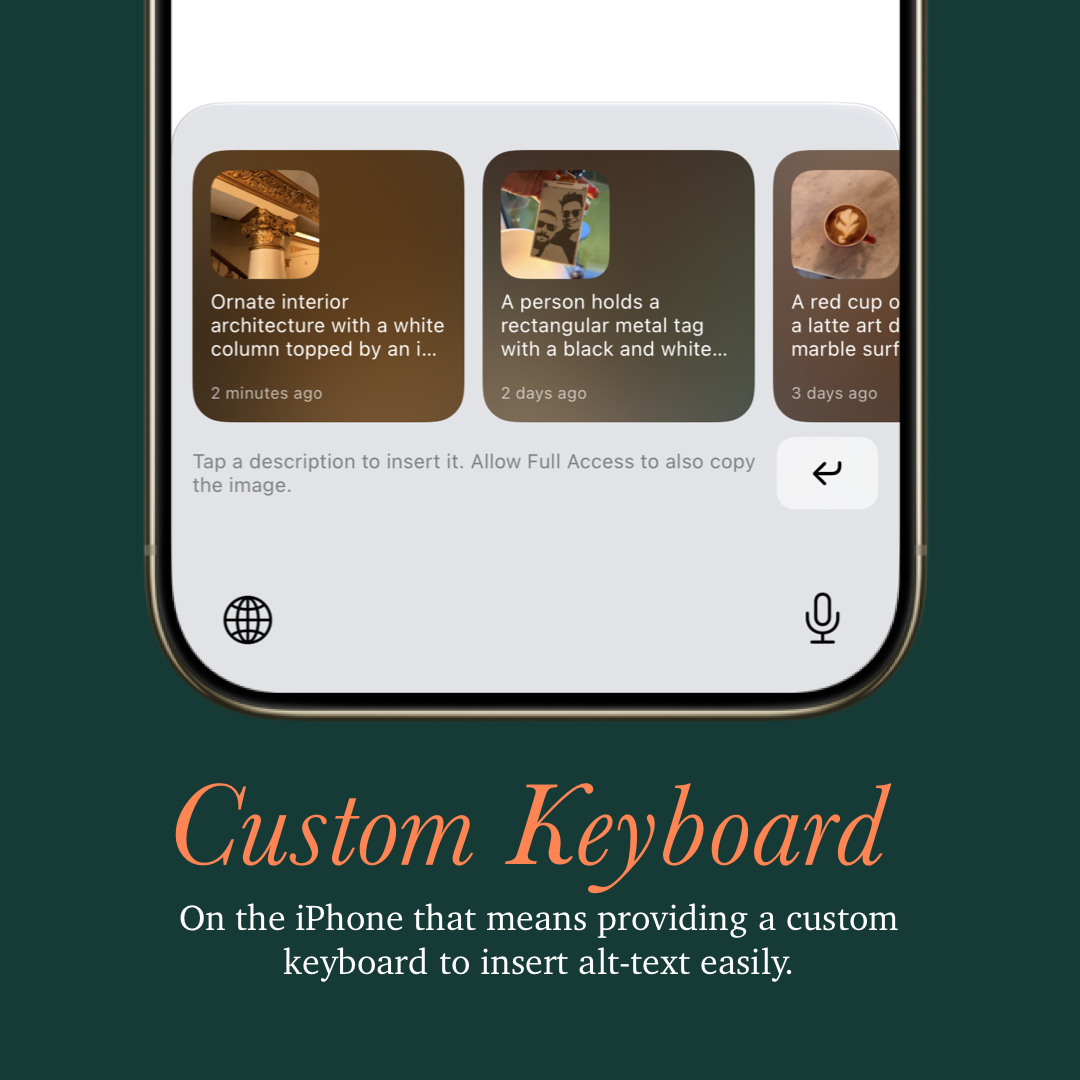
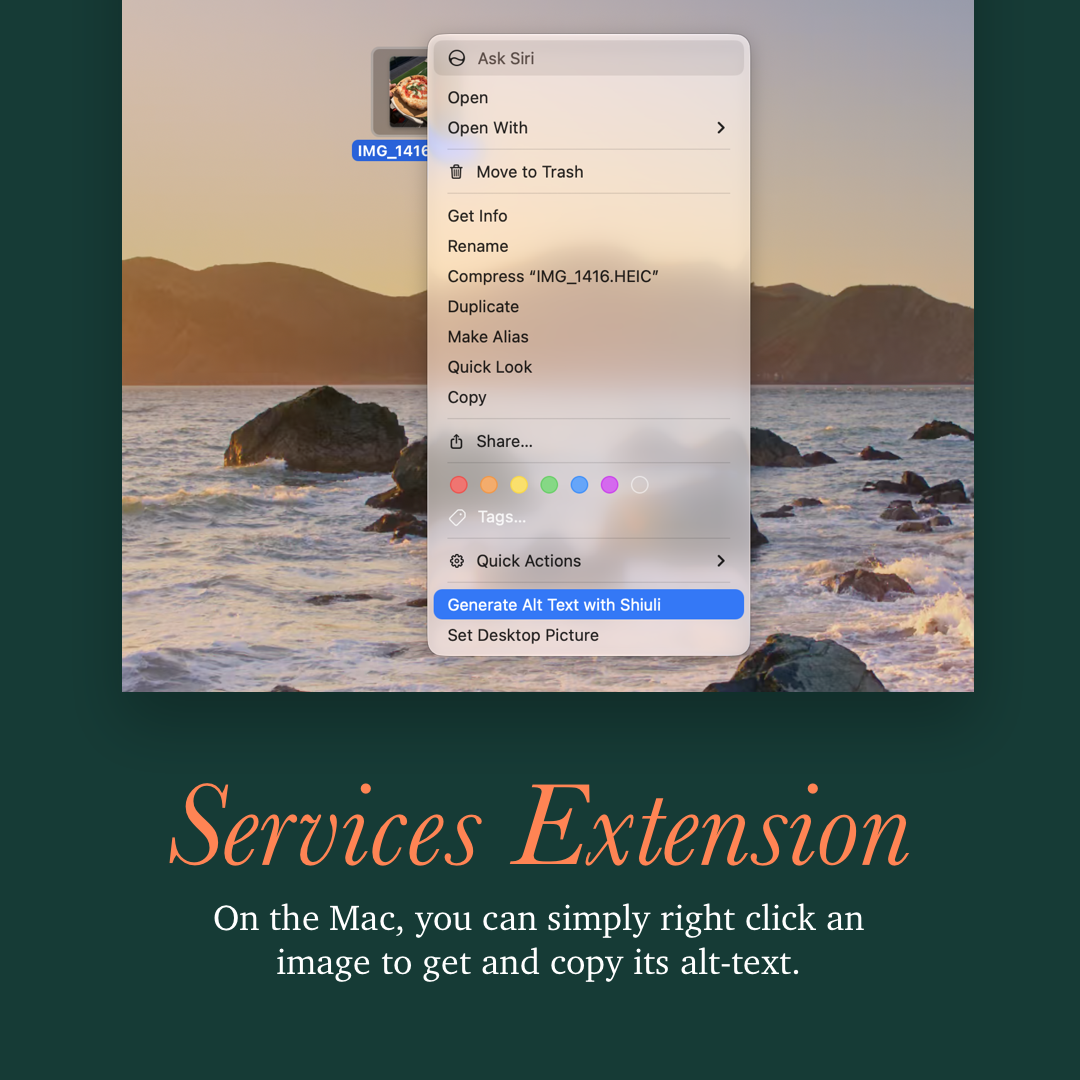
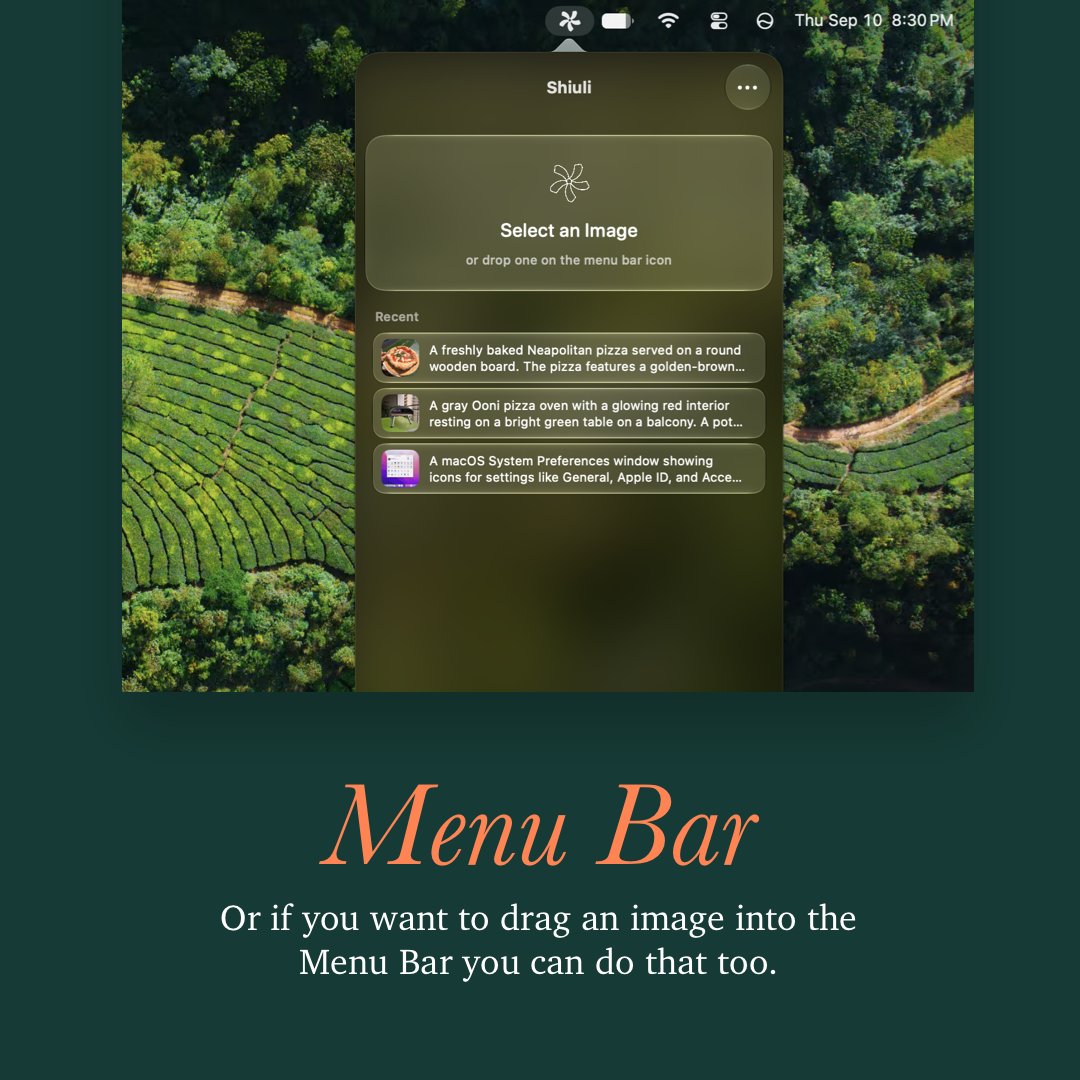
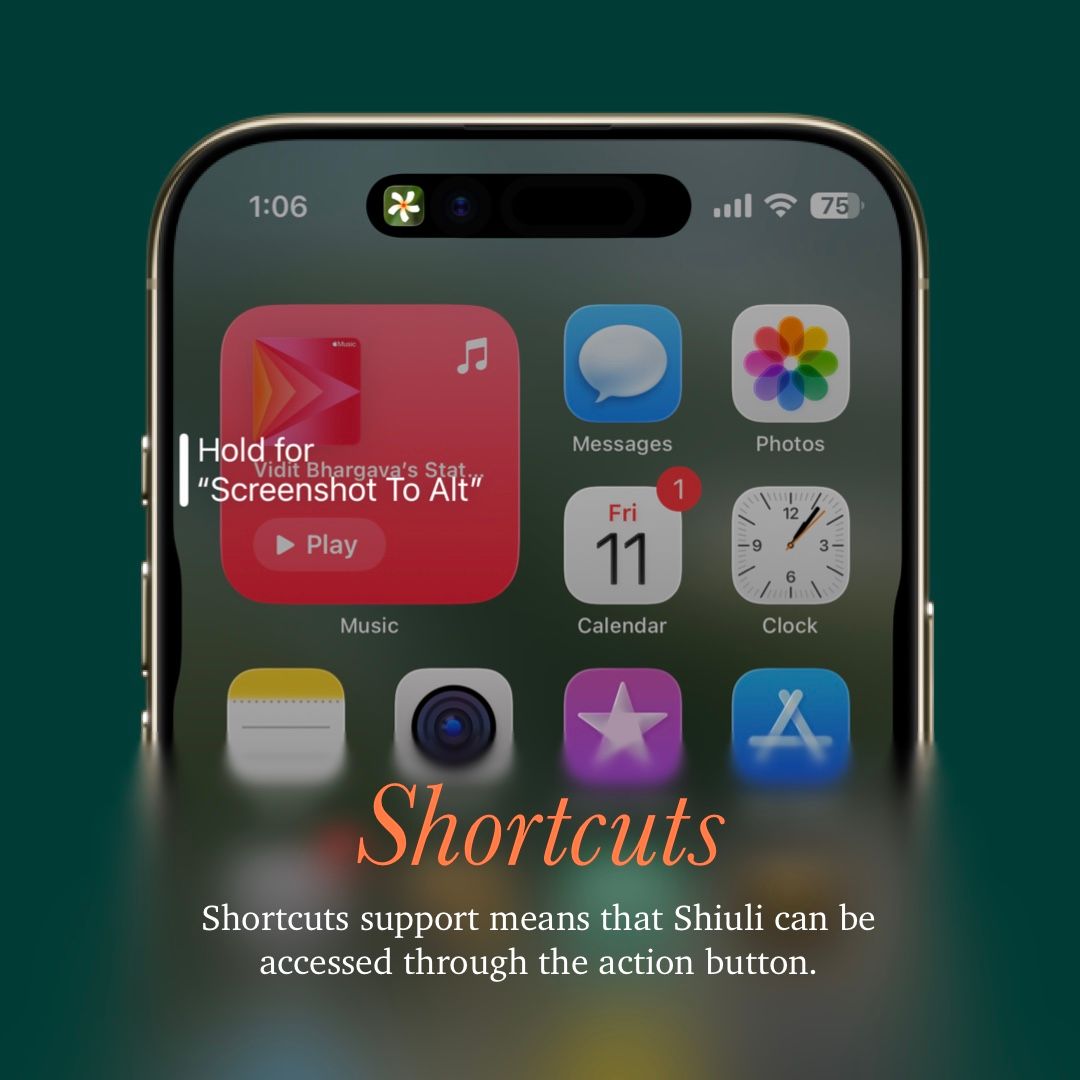
There's a new macOS app, that meets people where they are, simply right click to generate alt-text, or drag an image into the menu bar. On iOS, there's a new keyboard extension, that lets you easily insert alt-text without switching between apps, or copy-pasting text. Making it a little more convenient to write good alt-text descriptions.
The other day, someone asked me as to why this app even needed to exist, questioning the need for such a small utility for such a small group of people. To me, it's not even a question. It's a beautiful app that doesn't need a reason to exist. But moreover, it's a beautiful app that aims to make the world more accessible. It has a responsibility to exist! Even if it contributes no additions to the bottomline.
Shiuli 2 is coming out with iOS 27 as a free update to Shiuli users, and Shiuli 2 on macOS is releasing this week and will be part of the universal purchase.
Download Shiuli from the App Store today:
https://apps.apple.com/us/app/shiuli-alt-text-generator/id6746376256